 StarSiftaccount
Projects
A project is a picture kept to work on again: the picture without its stars, the stars, the stacks it was made from, and every editor setting and step. Save as project… in the editor makes one; closing the editor with changes offers to.
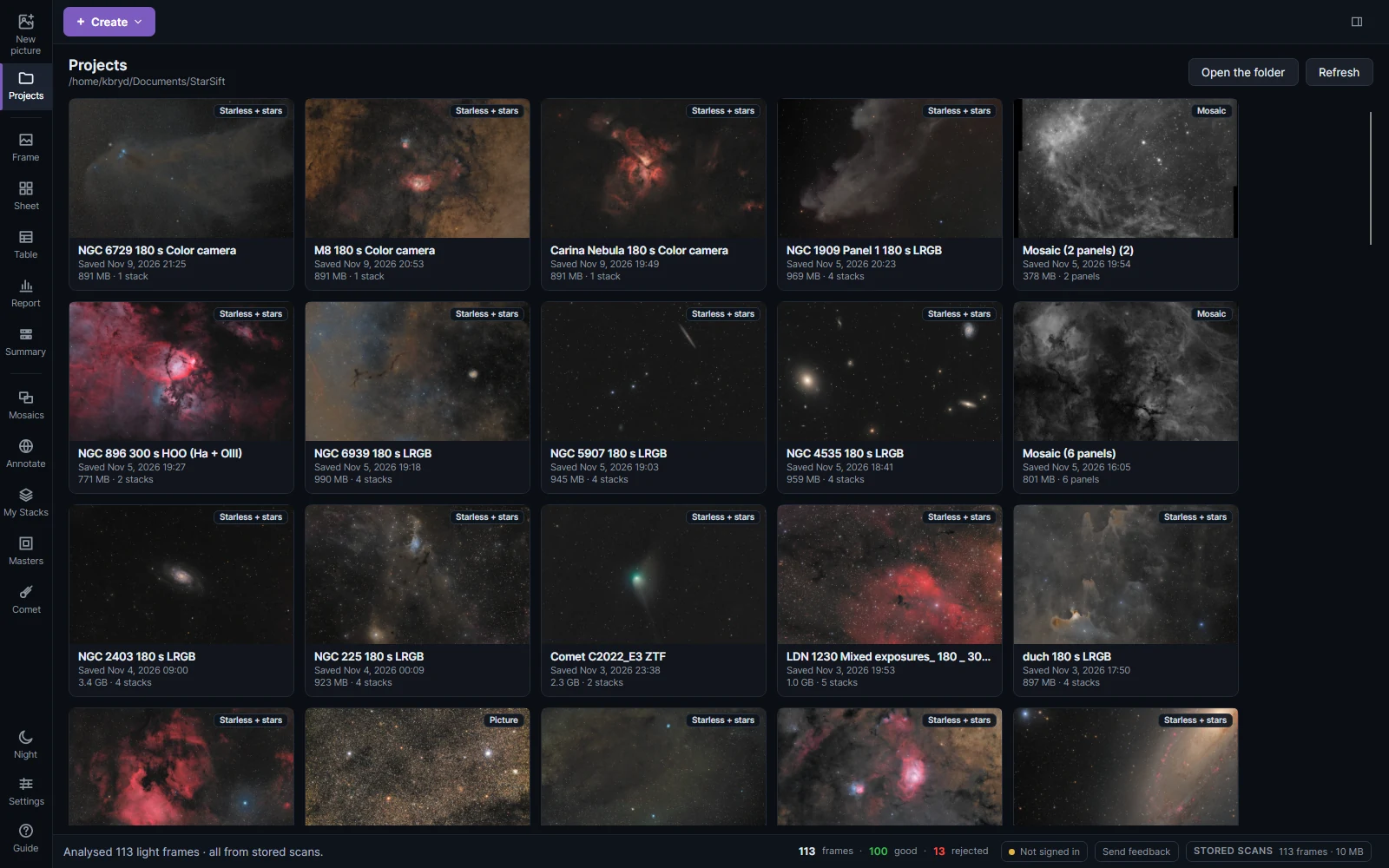
Projects in the sidebar shows them as a gallery, newest first, each marked as Starless + stars, Picture or Mosaic. Click one to open it in the editor where you left off; a bar on its card shows the layers being read. Open the folder shows where they are kept: Documents/StarSift, one folder per project.
Right-click a project for Rename…, Export… and Delete…:
- Rename… changes the project's name and its folder.
- Export… copies the project, with its layers, settings and stack copies, into a folder you choose. The copy opens like the original.
- Delete… removes the project and its stack copies. The original stacks stay. A project open in the editor can't be renamed or deleted.
My Stacks
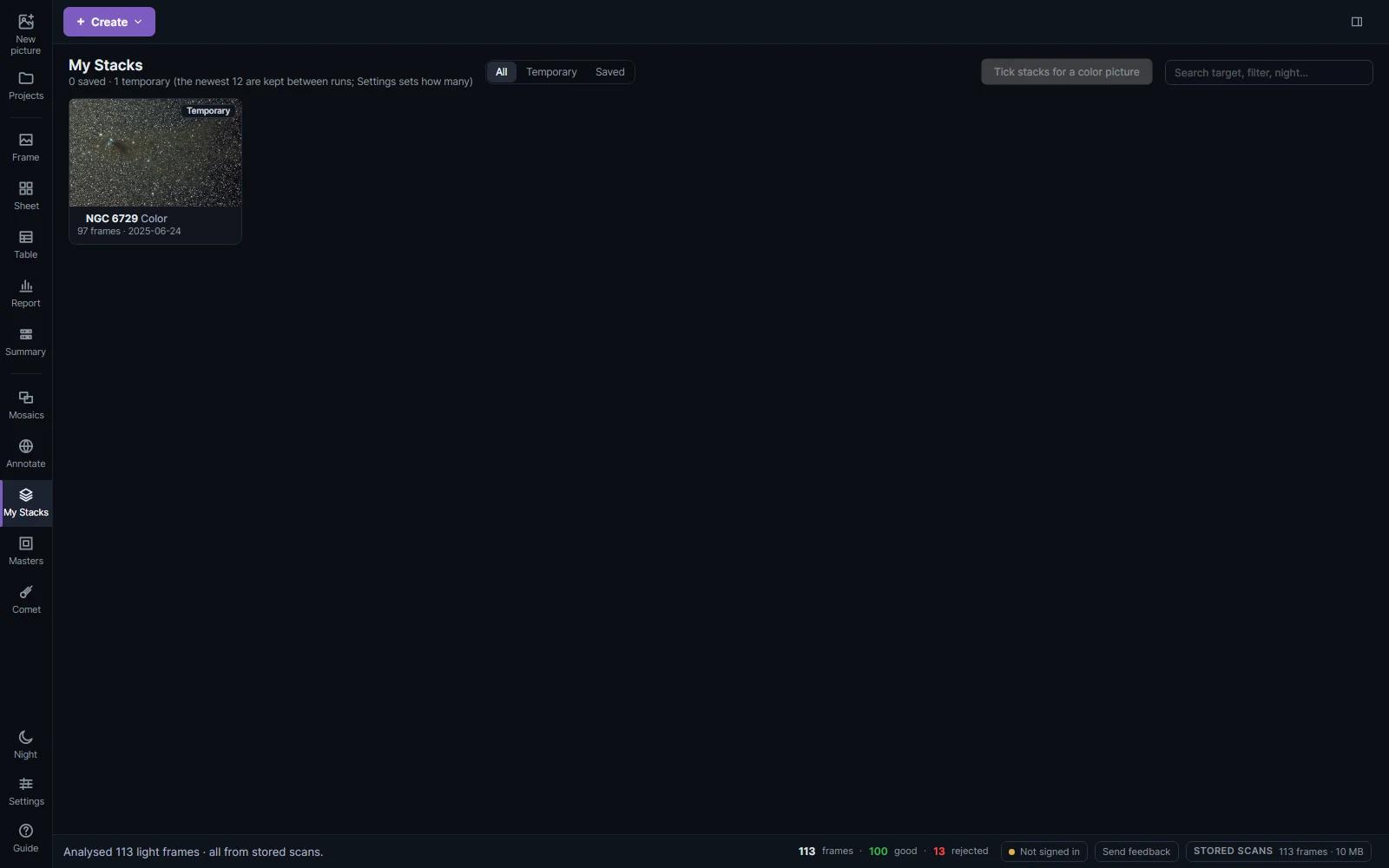
My Stacks has every stack the app has made.
| Filter | Shows |
|---|---|
| Temporary | Stacks in the app's temporary folder. The newest are kept between runs (12 by default, set in Settings); older ones are tidied away. |
| Saved | Stacks kept in a Stacks folder next to their frames. |
Click a stack to show it with its measurements, as after stacking; Edit… there opens it in the editor. Right-click a stack for more. Tick the stacks of one target, one per filter, and make a color picture of them: each goes to its filter's channel, lined up on the stars, and the picture opens in the editor. Search finds stacks by target, filter or night.