 StarSiftaccount
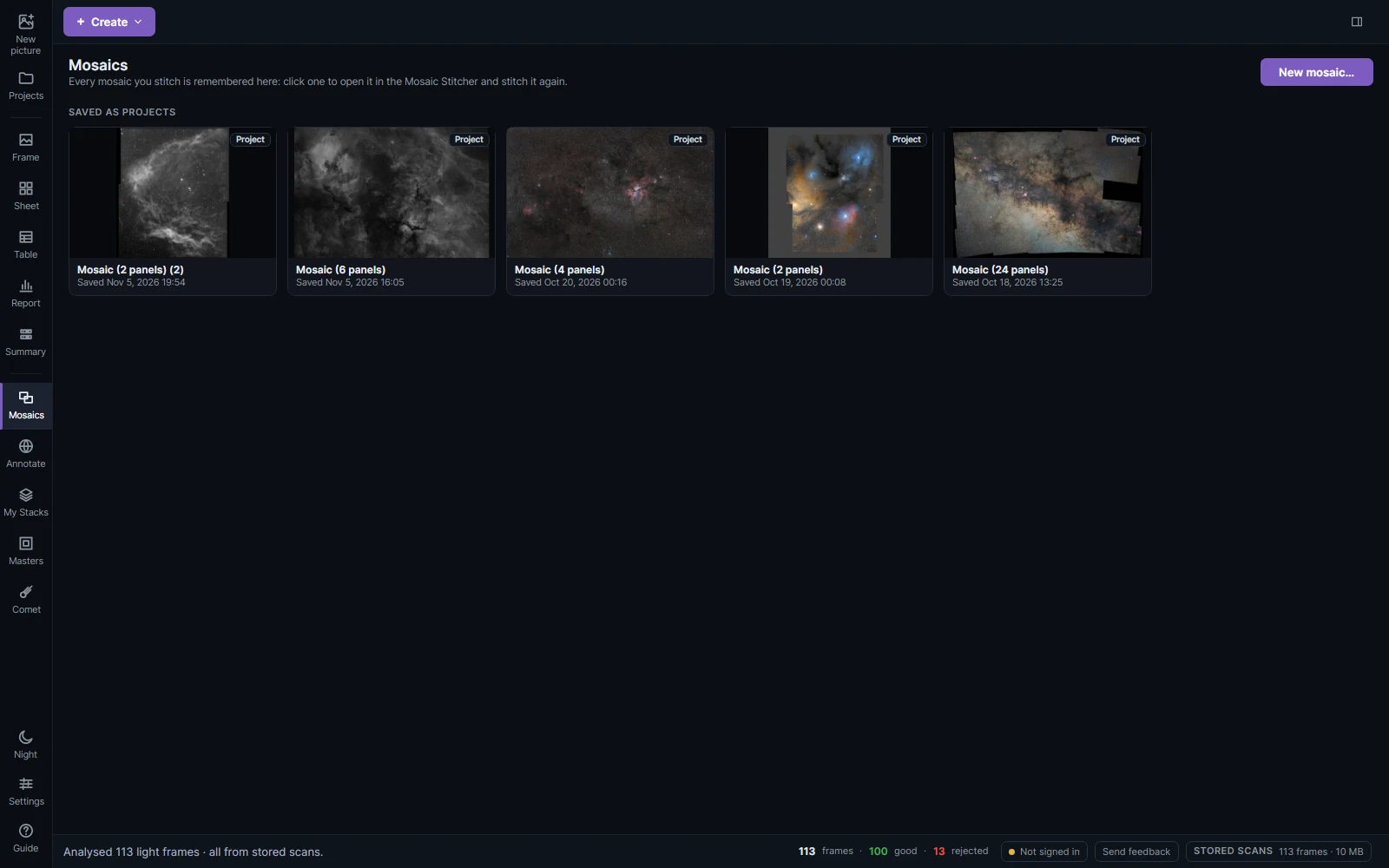
A mosaic stitches several panels of a wide field into one picture. Each panel is a stack: one you made here, or a FITS or XISF file from another program.
Stitching
Open the Mosaic Stitcher with + Create → Mosaic…, New mosaic… on the Mosaics page, or by right-clicking the targets of a mosaic in the list on the left.
- Add the panels. Pick targets, color pictures or stacks from your scanned sessions (a target without a stack is stacked first), or add stacked FITS or XISF files. Same frame count in every panel stacks every panel from the same number of its sharpest frames, so the panels match in noise.
- The panels are placed on the sky. Each is plate solved and drawn where it lies, in the preview. Gnomonic (TAN) suits most fields; Stereographic (STG) keeps a wide Milky Way's corners from stretching.
- Seams. The panels share one color balance and are matched in brightness, sky level and color where they overlap, then blended, so the seams go while stars and fine detail stay sharp. Advanced stitching has gradient removal on each panel (not recommended: it can take extended nebulosity for a gradient), multi-band blending, edge crop and feather. Remove any overall gradient after stitching instead.
- Fine-tune. Click a panel to adjust its brightness, sky, tilt and color by eye (Sky warmth and Sky tint move only the sky and faint dust, not the stars); outline it to see where it lies.
- Even out panels. When a panel still stands out (another night's sky or transparency, common with narrowband), Equalize panels sets every panel's sliders for you so the panels agree where they overlap. It works in rounds, and the preview and the selected panel's sliders follow each round until they stop moving, usually within a few seconds. Choose what it may change: Sky level, Tilt, Brightness and, for color mosaics, Color. The selected panel stays as it is and the others are matched to it; with none selected, the most central panel is kept. Brightness is set only where both panels show stars or nebula, not from bare sky. Undo puts every panel's sliders back, and you can fine-tune any panel afterwards.
The mosaic opens in the editor, and is kept as a project to stitch again.
Mosaics in workflows
When a target's panels are scanned, its Workflows… offers the same pictures as mosaics: each filter is stacked per panel, stitched, and the filters combined (LRGB, HOO, SHO, LRGB + Ha). Pause here to fine-tune panels stops after a filter's mosaic is stitched and opens it in the Mosaic Stitcher.