 StarSiftaccount
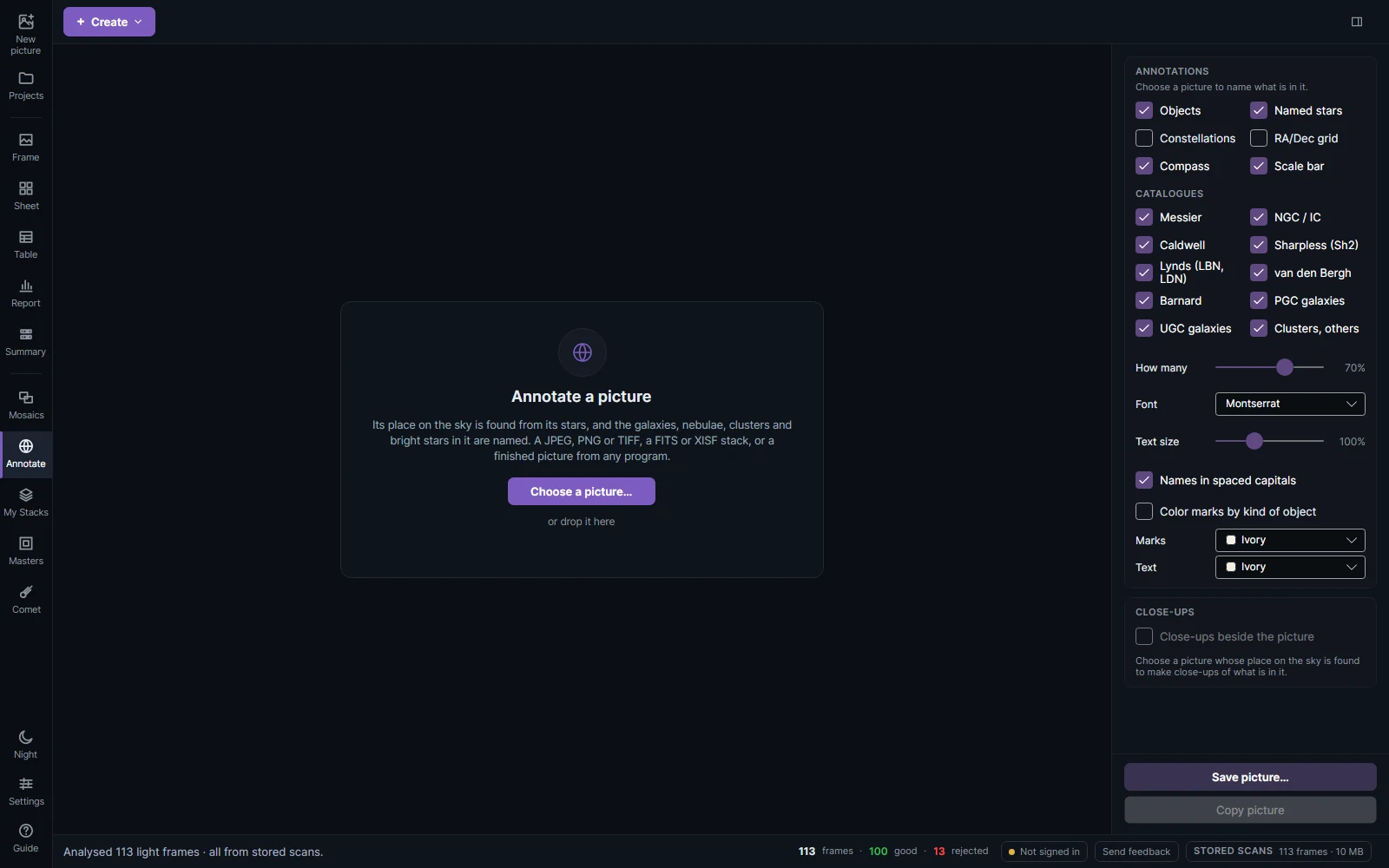
Annotate names what is in a picture from its place on the sky: galaxies, nebulae, clusters, named stars and constellations. It works on any picture: a stack, a FITS or XISF file, or a JPEG, PNG or TIFF from any program, a landscape photo included.
How it works
Click Annotate in the sidebar, then Choose a picture… or drop one on the page. The stars in the picture are matched against the star database that comes with StarSift (plate solving), so its place on the sky is known, then over 13,000 deep-sky objects are drawn: NGC, IC and Messier, Caldwell, Sharpless, Barnard, Lynds, van den Bergh, and PGC and UGC galaxies if you choose, each marked to its catalog size.
What to draw
| Setting | What it does |
|---|---|
| Objects, Named stars, Constellations, RA/Dec grid, Compass, Scale bar | What is drawn. |
| Catalogues | Which catalogs the objects come from. |
| How many | Fewer keeps only the best-known objects and brightest stars. |
| Font, Text size, Names in spaced capitals | How the names look. |
| Color marks by kind of object | Galaxies gold, nebulae pink, planetary nebulae teal, clusters blue. |
| Marks and Text colors | One color for all. |
| Close-ups | Small crops of what is in the picture, beside it. |
Click an object to take it off the picture, or click the sky to add the object there. A landscape photo can have a horizon, with nothing drawn below it.
Save picture… writes the picture with its annotations; Copy picture puts it on the clipboard. The sky solution can also be saved as a .wcs file.
The same annotations are in the frame view (Annotate above the picture) and in the editor's Finish tab.