 StarSiftaccount
Masters are the darks, flats, dark flats and bias, each averaged from many frames, that take the sensor's own pattern, dust shadows and vignetting out of the lights. StarSift reads masters from any program (FITS or XISF from PixInsight, Siril or Astro Pixel Processor) and makes its own from raw frames.
How masters are chosen
For every stack, StarSift offers the masters that fit the lights: the same camera, image size and gain, a temperature close enough, and for a flat the same filter. A dark of another exposure can be scaled. Each night remembers the masters chosen for it, so a later stack of that night, a workflow or a color picture is calibrated the same way.
- New picture finds the masters among the folders you give it, or makes them from raw frames, and pins them to the nights it stacks.
- The stack dialog picks the best fit for each kind and says why under the lists.
- Assign masters… (a night's right-click menu, or the stack dialog) sets the masters night by night.
Making masters
+ Create → Masters from darks, flats and bias… sorts a folder of raw calibration frames into groups (by kind, camera, exposure, gain, temperature and filter) and makes a master of each. Masters made in New picture go into a masters folder beside their frames.
Assign masters
Look near the lights searches where masters usually are: beside the lights, in Flat, Darks, Bias or Calibration folders next to them, and in folders searched before. Look in folders… searches folders you choose. Each night then gets a row with its dark, flat and bias; change any of them, or use Assign by rules to give every night the master set whose rules fit it.
Master sets
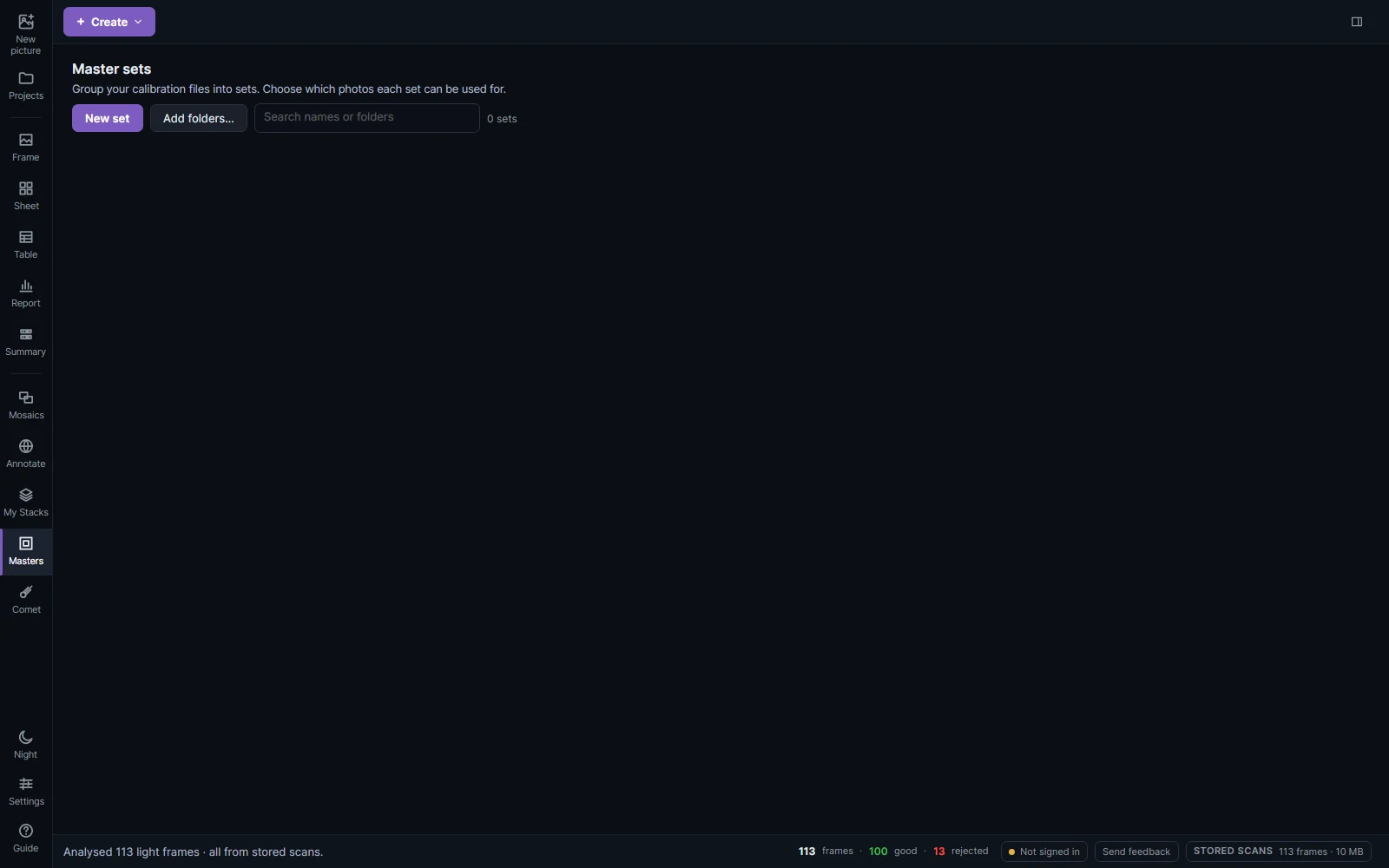
Masters in the sidebar keeps sets of calibration files: one set per flat panel session, per camera or per site. New set makes an empty one; Add folders… makes one per folder, with the masters in its subfolders. In a set, Choose files… adds masters, and Choose folder… with Make master makes one from raw frames in the folder's Masters subfolder.
The rules under a set limit which photos it may calibrate: dates, camera and telescope. Leave a field empty to allow anything. Suggest matching rules reads the dates and equipment from the files before you apply them.